Gaming Visual and Auditory Health: Striking the Right Balance for a Better Gaming Experience
Category : sandboxg | Sub Category : sandboxg Posted on 2023-10-30 21:24:53
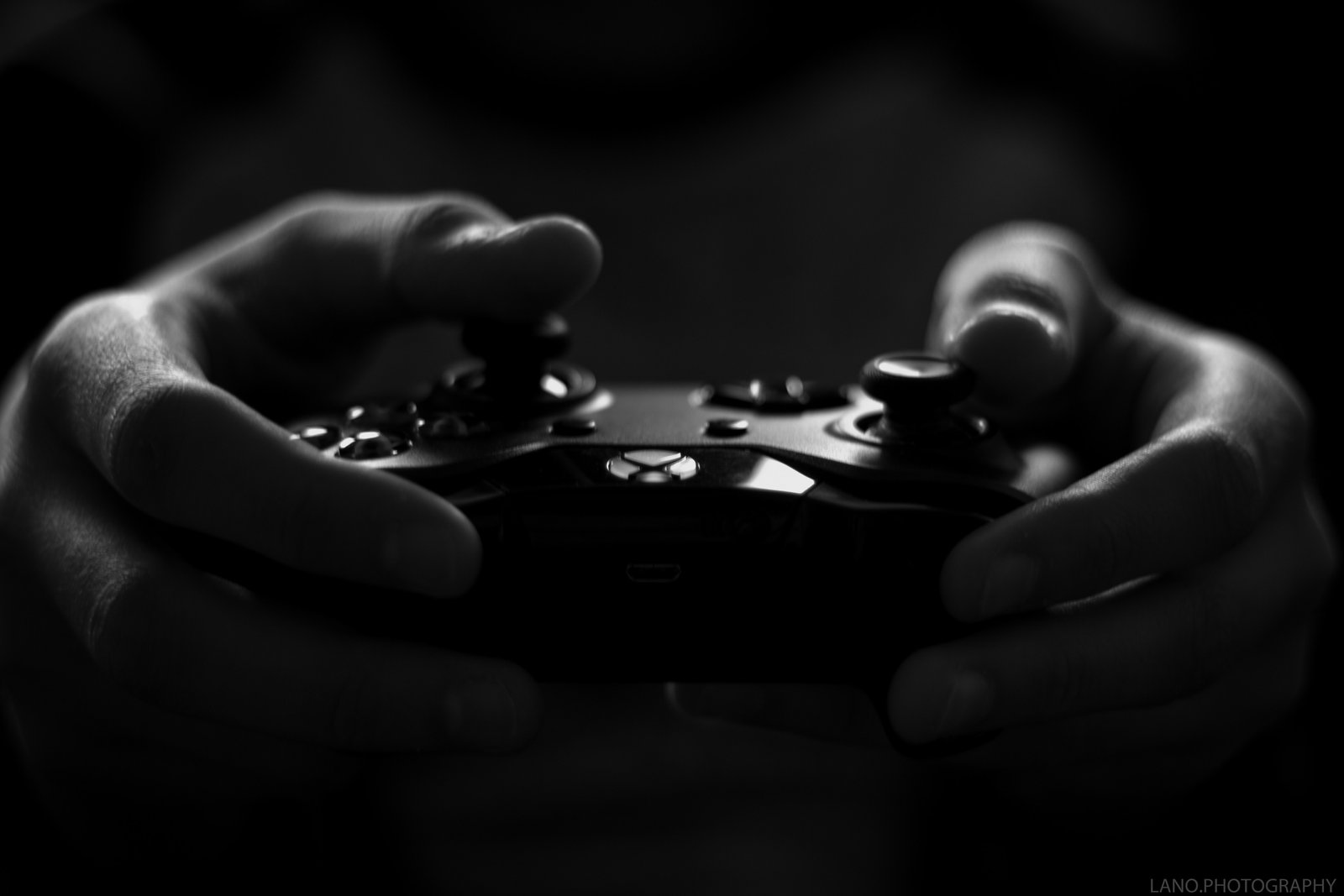
Introduction: Gaming has become a popular hobby for people of all ages, offering an immersive experience that allows us to escape reality and dive into fantastical worlds. However, as with any activity that involves extensive screen time and audio usage, it's important to be mindful of our visual and auditory health while gaming. In this blog post, we will explore the potential impact of gaming on our visual and auditory systems, as well as provide some helpful tips on how to strike the right balance for a better and healthier gaming experience. Impact of Gaming on Visual Health: 1. Eye Strain: Extended gaming sessions can lead to eye strain, which manifests as symptoms like dry eyes, blurred vision, and headaches. The constant focus on a screen, rapid eye movement, and exposure to blue light emitted by screens can all contribute to eye strain. To minimize its impact, consider: - Taking regular screen breaks every hour to rest your eyes. - Adjusting the screen brightness and contrast to comfortable levels. - Using computer glasses or blue light filters to reduce the strain caused by blue light. - Blinking frequently to keep the eyes moist. 2. Digital Eye Fatigue: Digital Eye Fatigue, also known as Computer Vision Syndrome (CVS), is another common issue among gamers. Symptoms may include eye strain, double vision, and difficulty focusing. To prevent digital eye fatigue, try: - Positioning the screen at an appropriate distance from your eyes (around 20 inches) and eliminating glare. - Practicing the 20-20-20 rule: Every 20 minutes, look at something 20 feet away for 20 seconds. - Adjusting display settings, such as font size and color contrast, to enhance readability. - Regularly visiting an eye care professional for check-ups. Impact of Gaming on Auditory Health: 1. Noise-Induced Hearing Loss (NIHL): Repeated exposure to loud gaming sounds can lead to noise-induced hearing loss. Prolonged use of headphones or speakers at high volumes can damage the delicate structures in our ears. To protect your auditory health: - Set an appropriate volume level that allows you to hear the audio clearly without it being too loud. - Consider investing in quality headphones that offer noise cancellation and adjustable volume limits. - Take regular breaks from using headphones to reduce the strain on your ears. - If you experience any signs of hearing loss, such as ringing or muffled sounds, consult a healthcare professional. 2. Tinnitus: Tinnitus is a condition characterized by a persistent ringing or buzzing sound in the ears. It can be worsened by exposure to loud noises, such as those found in gaming environments. To minimize the risk of developing tinnitus: - Keep the volume at a moderate level and avoid sudden loud sounds in the game. - Practice proper hearing hygiene by giving your ears ample rest between gaming sessions. - Consider using noise-cancelling headphones to reduce external noise and prevent the need for excessively high volume settings. Conclusion: While gaming provides an enjoyable and immersive experience, it's crucial to prioritize our visual and auditory health while engaging in this activity. By implementing simple practices and taking preventive measures, such as following the 20-20-20 rule and adjusting volume levels, gamers can experience a healthier and more enjoyable gaming experience. Remember, striking the right balance between enjoyment and health is key to long-term gaming satisfaction. So, gear up, take care of your eyes and ears, and game on! To expand your knowledge, I recommend: http://www.doctorregister.com More in http://www.tinyfed.com Explore this subject further by checking out http://www.natclar.com You can also Have a visit at http://www.keralachessyoutubers.com
Leave a Comment:
SEARCH
Recent News
- Zurich, Switzerland is known for its stunning landscapes, vibrant culture, and rich history. But did you know that it is also a hub for game challenges and competitions? Gaming enthusiasts from around the world flock to Zurich to compete in a variety of gaming events that test their skills and strategy.
- Zurich, Switzerland: A Hub for the Estonian Blockchain Industry
- YouTube Content Creation and Translation in the Estonian Blockchain Industry
- Are you looking to start your own YouTube channel centered around game challenges? Game challenges are a popular and engaging content niche that has the potential to attract a wide audience of gamers and viewers looking for entertainment and excitement. In this blog post, we will explore the world of YouTube channels dedicated to game challenges, providing tips and insights on how to create compelling and successful content in this genre.
- Estonia has been gaining recognition as a hub for blockchain innovation, with a growing number of companies and startups in the industry making their mark on the global stage. If you are interested in keeping up-to-date with the latest developments in the Estonian blockchain industry, subscribing to a YouTube channel dedicated to this topic can be a great way to stay informed.
- Developing Work Skills in the Estonian Blockchain Industry
- Overcoming Game Challenges Faced by Women in Politics
- Women in Politics and the Estonian Blockchain Industry: Breaking Barriers and Driving Innovation
READ MORE
9 months ago Category : sandboxg

Zurich, Switzerland is known for its stunning landscapes, vibrant culture, and rich history. But did you know that it is also a hub for game challenges and competitions? Gaming enthusiasts from around the world flock to Zurich to compete in a variety of gaming events that test their skills and strategy.
Read More →9 months ago Category : sandboxg

Zurich, Switzerland: A Hub for the Estonian Blockchain Industry
Read More →9 months ago Category : sandboxg

YouTube Content Creation and Translation in the Estonian Blockchain Industry
Read More →9 months ago Category : sandboxg
